Why Android Silences Notifications (And How MustPing Ensures You Never Miss What Matters)
Introduction: The Silent Problem No One Talks About
You're waiting for your manager's approval on Slack. A client promised to confirm a proposal via Teams. Your DevOps team flags a production incident in Google Chat.
But your phone stays silent.
You check it thirty minutes later and realize—Android decided those notifications weren't important enough to interrupt you. The damage is already done.
This isn't a hypothetical scenario. It happens to working professionals every single day. Android aggressively silences notifications through multiple built-in mechanisms, and most users don't realize how many legitimate, urgent messages get caught in these filters.
The worst part? Android treats a critical work DM and a promotional notification exactly the same way—both get silenced under the same rules.
Understanding why Android silences notifications is the first step toward ensuring you never miss a client message, manager approval, or production alert again.
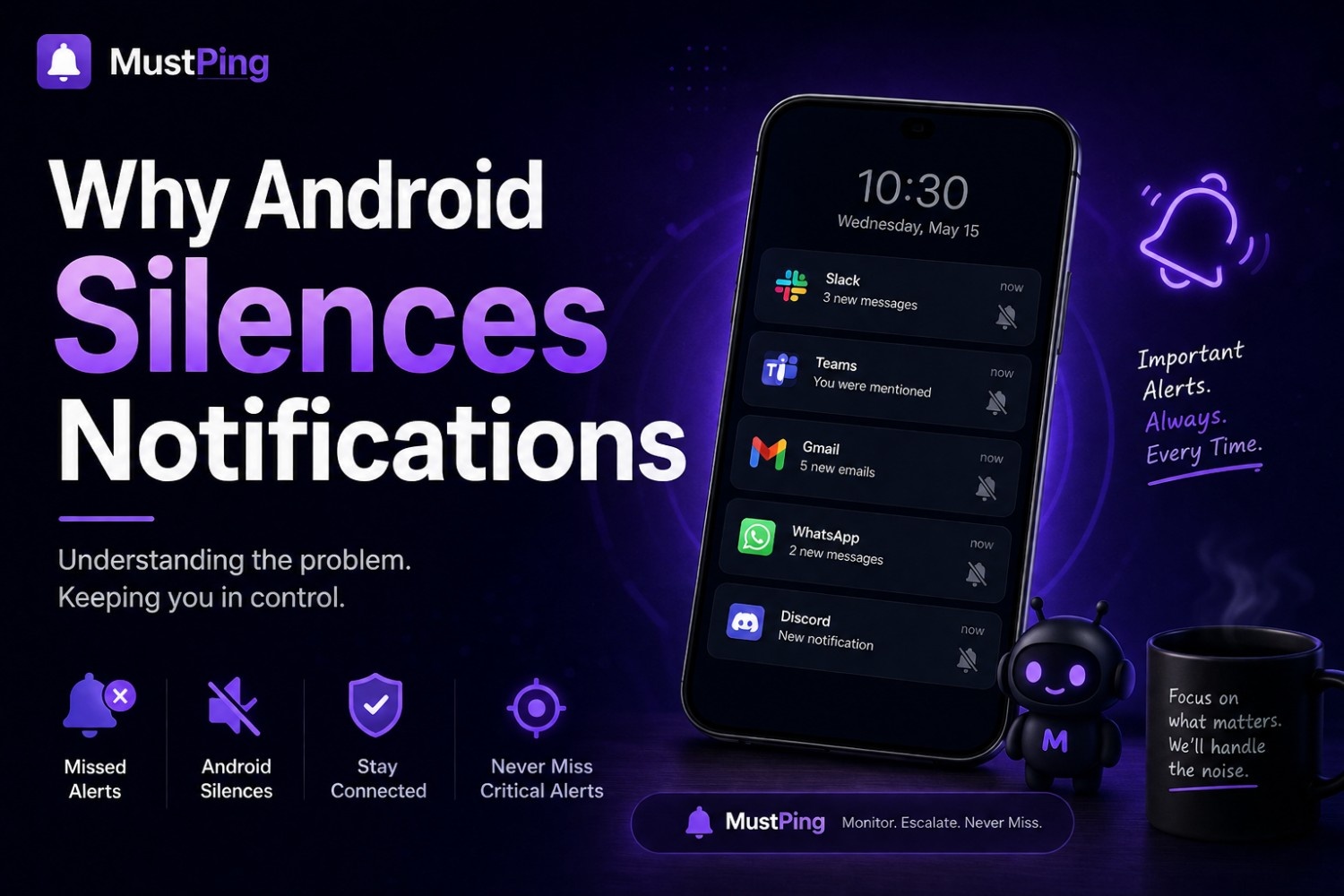
Do Not Disturb Mode — The Blanket Silencer
The Problem
Do Not Disturb (DND) is Android's most aggressive notification suppressor. When enabled—manually or on a schedule—it silences virtually everything. No sounds. No vibrations. Not even screen wake-ups.
Working professionals frequently schedule DND for:
- Meetings and presentations
- Focused deep work sessions
- Overnight hours and weekends
- Screen recordings and client demos
The problem? DND doesn't discriminate between an important message and an unimportant one. During a two-hour DND block, your manager's urgent DM, a critical client response, and a production outage alert all receive identical treatment: complete silence.
The Real-World Impact
Imagine wrapping up a three-hour deep work session, turning off DND, and discovering your client asked a time-sensitive question two hours ago. They've already moved to a competitor. Or your DevOps team needed your approval for an emergency rollback, but your phone never made a sound.
DND protects focus at the expense of responsiveness. For professionals who can't afford to be unreachable, this trade-off becomes costly.
The MustPing Solution
MustPing's Do Not Disturb Bypass feature (available on supported Android devices) lets you designate specific notification rules that punch through DND. Your manager's Slack DM? It'll reach you. A random channel meme? Silenced as intended.
This solves the fundamental DND dilemma: stay focused without becoming completely unreachable. You schedule DND confidently because genuinely urgent messages still break through.
Adaptive Battery and App Standby — Android's Hidden Notification Killers
The Problem
Android's Adaptive Battery, introduced in Android 9 and refined ever since, uses machine learning to predict which apps you'll use next. Apps deemed "less important" get placed into App Standby buckets, where their background processes—including notification delivery—get delayed or restricted.
What determines if an app is "less important"? How often you open it, not how critical its notifications are.
The problem is subtle but devastating: Android might decide that Slack or Teams isn't a frequently-opened app, restrict its background activity, and delay your work notifications by minutes or hours. You receive the message when Android decides you should, not when it actually arrived.
How This Fails Working Professionals
- A Teams notification arrives during an important call. You don't open the app because you're busy. Android logs this as "user didn't engage" and deprioritizes future Teams notifications.
- You use Google Chat primarily on desktop. Android sees low mobile engagement and restricts background sync. Mobile notifications arrive late—or never.
- After a weekend of not opening work apps, Android places them in a restrictive standby bucket. Monday morning notifications are unpredictably delayed.
The MustPing Solution
MustPing operates independently of Android's App Standby mechanics. It monitors notifications at the system level based on rules you define—not on how often you open specific apps.
By creating a rule for "Slack DMs from Manager" or "Teams messages in Project-Alpha channel," MustPing ensures these notifications trigger alerts regardless of Android's background restrictions on the parent app. Your notification rules work even when Android has deprioritized the source app.
Notification Channels — Helpful Categorization, Accidental Silencing
The Problem
Android's Notification Channels (introduced in Android 8.0) let apps categorize notifications into different types—Messages, Alerts, Promotional, Silent, etc. Users can customize behavior per channel.
This sounds helpful until you realize how easily channels get accidentally muted. A single wrong swipe, an overzealous notification cleanup session, or a well-intentioned "reduce interruptions" suggestion from Android can silently disable entire notification categories.
Real Scenarios
- You silenced "Promotional" notifications in Slack to stop marketing pings. But Slack categorizes some bot messages and integration alerts under Promotional too. Now you're missing automated deployment notifications.
- Android suggests reducing interruptions and bulk-mutes "less important" channels. Important group chat notifications disappear without warning.
- After a system update, notification channel settings sometimes reset to defaults. You don't realize until you've missed something critical.
The MustPing Solution
MustPing creates an independent alert layer on top of Android's notification system. When you configure a MustPing rule for a specific conversation, that rule generates its own alerts—separate from whatever Android's notification channels are doing.
Even if Android has silenced or deprioritized a notification channel, MustPing's rule-based alerts still fire. You're no longer dependent on remembering to check every notification channel setting after every OS update or accidental swipe.
Notification Snoozing and Bundling — Organization That Hides Urgency
The Problem
Modern Android versions bundle multiple notifications from the same app into expandable groups. While this keeps your notification shade tidy, it creates a visibility problem: urgent messages get visually buried inside collapsed bundles.
Android also allows notification snoozing—swipe a notification away and it returns later. But "later" might be 15 minutes, 30 minutes, or an hour. For time-sensitive work messages, this delay defeats the purpose entirely.
How This Hides Important Messages
- Five Slack notifications arrive as a bundle. You see the bundle preview showing the least important message. The urgent DM is collapsed inside and never catches your eye.
- You accidentally snooze a notification cluster containing both routine updates and a critical client response. The client waits an hour for your reply.
- Notification prioritization (Android 12+) groups alerts into "Priority" and "Silent" conversations. Android's algorithm sometimes miscategorizes important work chats as Silent.
The MustPing Solution
MustPing bypasses notification bundling entirely. When a matched notification arrives, MustPing generates its own distinct alert—separate from Android's bundled notification shade. You can configure:
- Strong vibration patterns that stand out from routine alerts
- Camera flash alerts visible even when your phone is face-down
- Custom alarm sounds that you mentally associate with urgent messages
- Different alert styles per rule so you know urgency without checking the screen
A production incident alert sounds different from a general team update. Your brain learns the difference, and important messages stop hiding inside bundles.
Battery Optimization — The Well-Intentioned Notification Destroyer
The Problem
Android aggressively optimizes battery life by restricting background activity for apps. Battery optimization settings are on by default for virtually every installed app. While this extends battery life, it also delays or prevents notification delivery for messaging apps.
Many professionals disable battery optimization for their primary communication apps—but Android sometimes re-enables it after system updates, or new messaging apps get restricted without the user realizing.
The Silent Consequence
- After a monthly security update, Android re-optimizes Slack's battery usage. Notifications now arrive 5-10 minutes late.
- You install a new work communication app but forget to disable battery optimization. Important notifications from this app are unpredictably delayed.
- "Adaptive Battery" learns your usage patterns and restricts apps during "inactive" hours. Weekend work emergencies generate notifications that arrive Monday morning.
The MustPing Solution
MustPing is designed to maintain notification responsiveness even when source apps face battery restrictions. Because MustPing monitors system-level notification broadcasts and generates its own alerts through foreground-optimized mechanisms, it remains responsive even under aggressive battery optimization.
Additionally, MustPing's Cloud Backup preserves your carefully configured notification rules. If Android's battery optimization impacts your overall device performance and you need to factory reset or switch phones, restoring your notification rules is instant—no rebuilding from scratch.
Scheduled Downtime and Focus Mode — Protecting Peace at the Cost of Reachability
The Problem
Android's Focus Mode and Digital Wellbeing tools help users disconnect by silencing apps during scheduled periods. Many professionals configure Focus Mode for evenings, weekends, or family time.
The intention is healthy. The execution creates a blind spot: genuine emergencies during Focus Mode are also blocked. A critical Friday evening client message might not reach you until Monday morning.
The Balancing Challenge
Professionals want:
- Peace during personal time — no routine work notifications after hours
- Availability for genuine emergencies — critical messages should still come through
- Control over definitions — you should decide what's "urgent," not Android
The MustPing Solution
MustPing's Schedule feature lets you define exactly when monitoring should be active—specific days, working hours, custom time windows. Outside these windows, MustPing stops generating alerts. Inside them, only your pre-defined important conversations trigger notifications.
Combined with DND Bypass, you achieve the ideal balance:
- Regular team chatter? Silenced during personal time.
- Manager's urgent DM on Friday at 8 PM? MustPing can let it through if you've configured that rule as high-priority.
- Monday-Friday, 9 AM to 6 PM monitoring? Your weekends stay protected.
You define what's important, when it's important, and how urgently it should reach you.
The MustPing Approach — Why It Works Where Android Falls Short
The Core Philosophy
Android silences notifications to protect user attention. That's a worthy goal. The problem is Android's one-size-fits-all approach: it applies blanket rules based on app usage patterns, battery levels, and time of day—not based on what individual conversations actually mean to you.
MustPing flips the model: instead of deciding which apps to silence, you decide which conversations deserve to break through.
Key Differentiators
| Feature | What It Solves |
|---|---|
| DM, Group & Channel Monitoring | Filter out noise by monitoring only specific Slack DMs, Teams groups, Google Chat channels, or email threads |
| Per-Rule Alert Styles | Different vibration, alarm, and flash patterns for different urgency levels—know importance instantly |
| Cooldown Period | One unread message doesn't trigger infinite alerts—set your preferred gap between reminders |
| Persistent Reminders | Critical messages keep alerting until acknowledged—impossible to forget |
| DND Bypass | Urgent alerts reach you even during scheduled Do Not Disturb |
| Time & Day Scheduling | Monitor only during work hours; personal time stays personal |
| Cloud Backup & Restore | Rules survive device switches, factory resets, and reinstalls |
Conclusion: Stop Letting Android Decide What's Important
Android's notification silencing isn't a bug—it's a feature designed for the average user who wants fewer interruptions. But working professionals aren't average users. Your Slack DM from a manager, a Teams message from a client, or a Google Chat alert about a production issue carries consequences that a promotional notification doesn't.
Android can't distinguish between these. MustPing can.
By creating notification rules for specific conversations, assigning appropriate alert styles, and bypassing Android's blanket silencing mechanisms when necessary, MustPing ensures that genuinely important messages reach you—while everything else stays quiet.
The goal isn't more notifications. The goal is the right notifications, delivered the right way, at the right time.
Try MustPing today and take back control over which messages reach you—and which ones can wait.
Download it Now on Google Play